Become a Vendor
Start selling on MarsMarket — $200 fee, optional bond waiver for established sellers, and fast onboarding.
Vendor Fee & Bond Waiver
New vendors pay a one-time $200 fee (BTC or XMR). This covers account verification and platform costs. The fee is non-refundable.
If you’ve been selling on other darknet markets with solid feedback, you can apply for a bond waiver. No upfront payment. Just provide your vendor profile links and sales history when prompted during signup.
What you get with the waiver:
- Free vendor bond — start selling immediately
- Import your existing sales history and ratings
- One-click listing import from supported markets
- Keep your FE (finalize early) status if eligible
Onboarding Steps
- Click “Become a Vendor” in the header while logged in.
- Read and accept the market rules, then click Proceed.
- Set up PGP + 2FA (or skip if already configured).
- Pay the $200 fee or submit your bond waiver application.
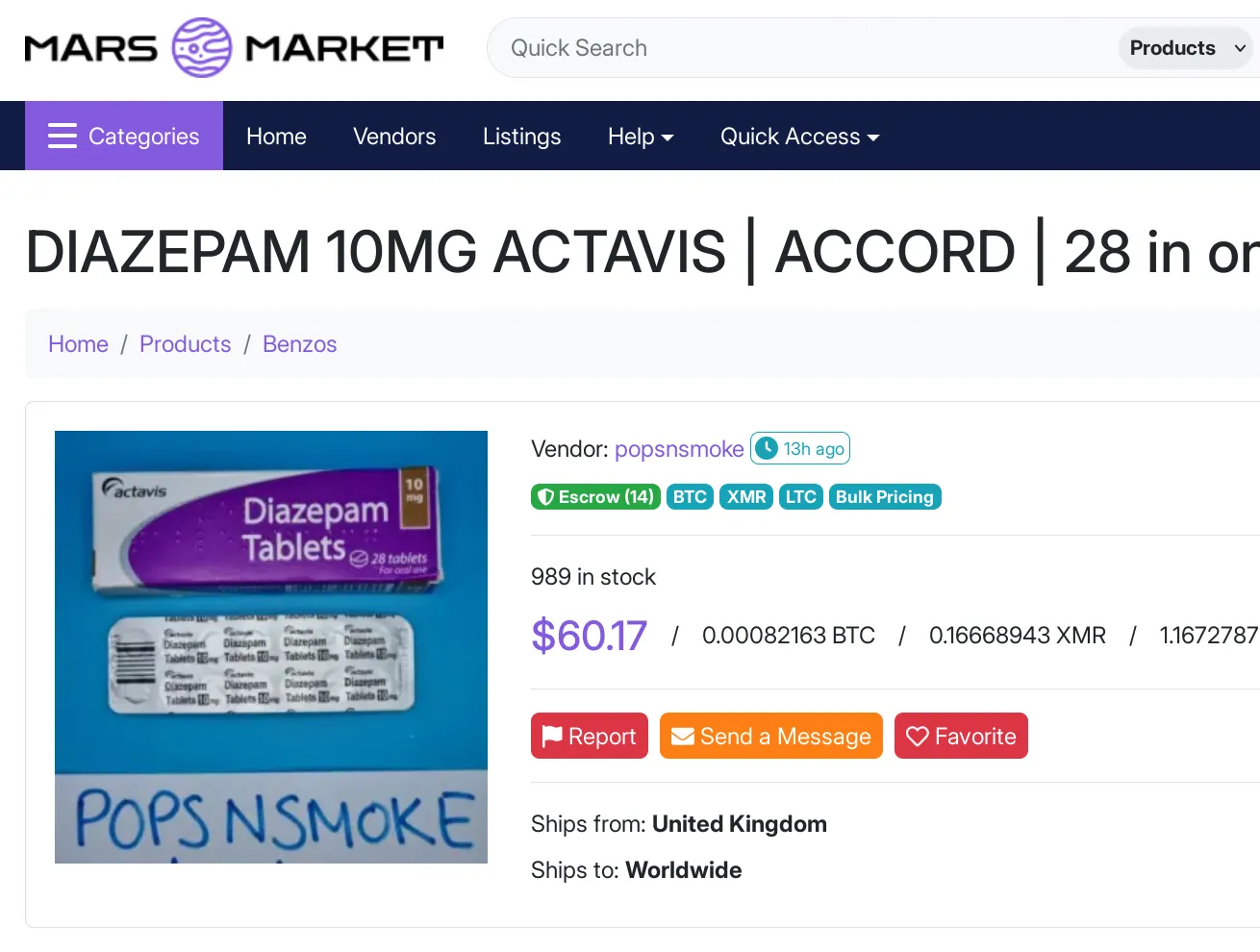
Once approved, you’ll land in the Vendor Panel where you can create listings, manage orders, and withdraw funds.
Creating Your First Listing
Listings can be normal (fixed quantity & price) or bulk (tiered pricing that improves with quantity).
| Type | How it works | Example |
|---|---|---|
| Normal | Set minimum quantity and quantity per listing. Price stays fixed. | Min qty 5, 2 kg per listing → customer must buy at least 10 kg total. |
| Bulk | Define price tiers. Lower price as quantity increases. | 1–10 units: $5 each 11–25: $4.50 26–50: $4 500+: $1 |
Listing creation checklist
- Product name, description, and clear photos
- Category selection (be accurate — wrong categories hurt search ranking)
- Stock set to -1 for unlimited, or a specific number
- Choose BTC or XMR as accepted coin
- FE permission only if you’ve earned it
- Shipping origin, destination, cost, and estimated delivery time
Prohibited Items
These are never allowed — listing them results in immediate account termination and possible law enforcement referral:
- Child exploitation material of any kind
- Fentanyl, fentanyl analogues, nitazenes
- Weapons or 3D-printed weapon files
- Terrorism-related content or discussion
Staff monitor listings with automated filters and manual review. Vendors who attempt to circumvent filters receive no warnings and lose their accounts permanently. If you are unsure whether an item is allowed, contact support before listing.
Listing Optimization & Pricing Strategy
Good listings convert browsers into buyers. Start with clear, well-lit photos from multiple angles. Write descriptions that answer the questions buyers actually ask: potency, purity, packaging, expected effects, and shelf life. Mention shipping origin and any stealth features without revealing operational details.
For bulk pricing, test three tiers: a small introductory quantity, a mid-range “regular” order, and a large “value” tier. Price the largest tier aggressively so buyers feel they are getting a genuine discount. Update tiers quarterly based on feedback volume and repeat order rates.
Use the “Quantity per listing” field correctly. If you sell 10 g bags, set quantity per listing to 10 and unit to grams. Customers ordering 3 units receive 30 g at the listed price. Misconfigured units lead to support tickets and negative feedback.
Shipping & Stealth Best Practices
Most disputes stem from shipping issues rather than product quality. Experienced vendors follow these habits:
- Print labels in advance and double-check addresses before sealing.
- Use tracked shipping on orders above $150 whenever possible; the tracking number protects both parties.
- Vacuum seal twice for international shipments and add a mylar layer for odor control.
- Include a small thank-you note or extra sample for repeat customers — it improves feedback quality.
- Update shipping status within 24 hours of drop-off so buyers know the package is moving.
Vendor Dashboard Walkthrough
The Vendor Panel is divided into five main sections:
- Orders — view incoming, shipped, and finalized orders with one-click status updates.
- Listings — create, edit, or pause products. Paused listings remain visible to you but not to buyers.
- Messages — encrypted buyer communication. Staff can audit threads during disputes.
- Finances — real-time balance, withdrawal history, and fee breakdown.
- Stats — conversion rate, average order value, top categories, and repeat buyer percentage.
Check the dashboard daily. Unanswered messages older than 48 hours appear lower in buyer search results, reducing visibility.
Case Study: Established Vendor Migration
In May 2026 a vendor with 180 sales on another platform applied for the bond waiver. They submitted three months of sales screenshots and links to their old profile. Within 48 hours the team approved the waiver, imported 47 active listings, transferred FE status, and the vendor completed their first MarsMarket order the same day. By the end of the first month they had moved 60 % of their volume to MarsMarket without paying any bond fee.
Key takeaway: gather your sales history in advance (screenshots with dates, order numbers, and feedback visible) so the approval process moves quickly.
Vendor FAQ
Can I list the same product multiple times?
No. Duplicate listings are flagged automatically. Create one listing and adjust stock or pricing instead.
How long does bond waiver approval take?
Most established vendors receive a decision within 24–72 hours. New vendors who pay the fee are approved immediately after payment clears.
Can I withdraw to an external wallet daily?
Yes. Withdrawals are processed within two hours during business operations. Large withdrawals may trigger a manual review for security.
What happens if a buyer opens a false dispute?
Staff review message history and shipping proof. If the claim is unfounded, the order is finalized in your favor and the buyer receives a warning.